 rustdesk
How P2P, NAT Traversal and Relay Work Together
RustDesk first coordinates the two endpoints and attempts a direct connection. When NAT traversal cannot establish that path, the session can fall back to the Relay Server.
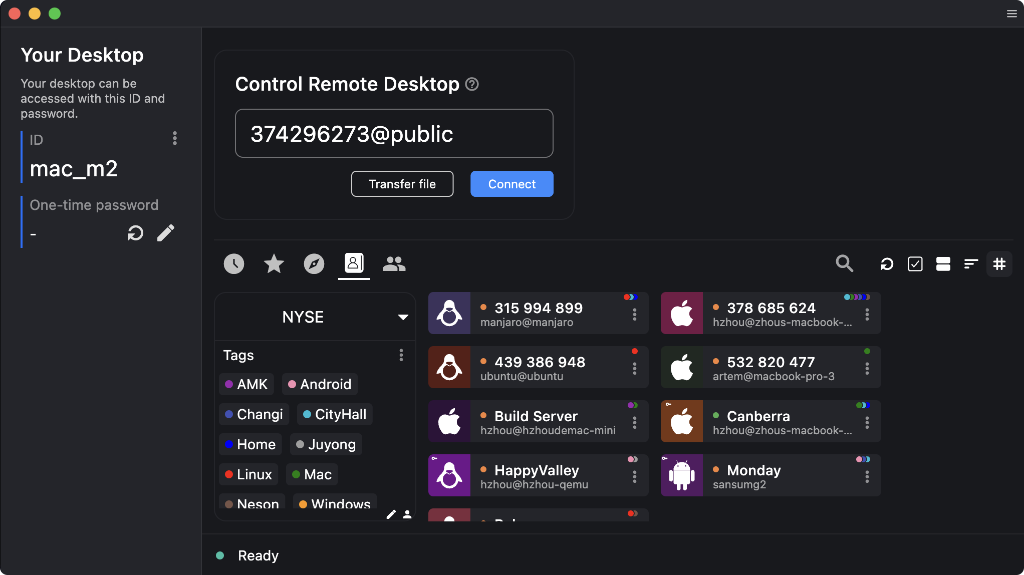
RustDesk is open-source remote desktop software for remote access and remote support. You can use RustDesk infrastructure or connect clients to your own RustDesk Server. When a session starts, RustDesk first attempts a direct connection through NAT traversal; if a direct path cannot be established, the session can fall back to a Relay Server. This makes RustDesk suitable for remote support, unattended access, device maintenance, and self-hosted remote access.
Connections and self-hosting
RustDesk Server provides device ID, rendezvous, signaling, and relay services. When remote access begins, the server helps the two endpoints discover each other and attempts NAT traversal. If a P2P connection can be established, the devices communicate directly; otherwise the session falls back to the Relay Server.
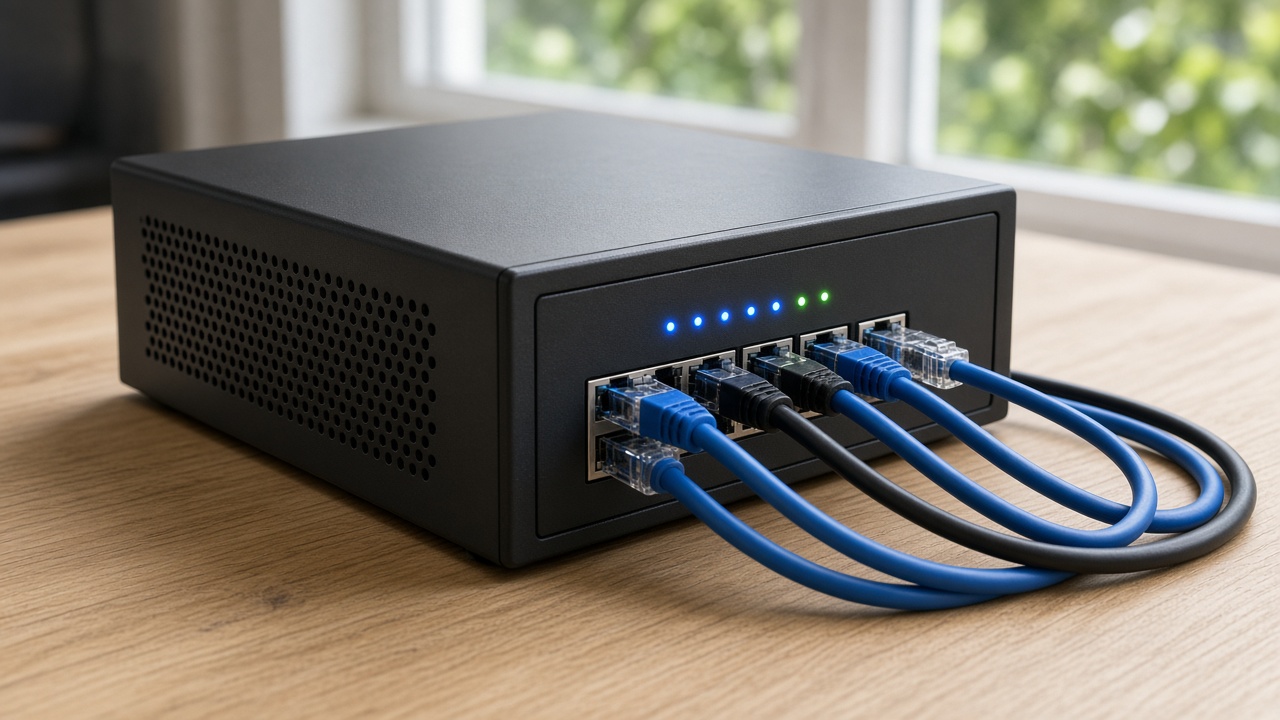
RustDesk uses hbbs as its ID, rendezvous, and signaling server to register devices, locate remote endpoints, and coordinate connection establishment.
RustDesk first attempts NAT hole punching so the two endpoints can communicate directly without sending the remote session through a relay.
If network conditions prevent a direct connection, RustDesk uses hbbr as the Relay Server to carry communication between the two endpoints.
Running your own RustDesk Server gives you control over the ID and relay infrastructure and lets you deploy it around your own network, operations, and compliance requirements.
Server OSS and Server Pro
RustDesk offers two self-hosted server options. Server OSS provides the core ID, rendezvous, signaling, and relay services. Server Pro builds on the same remote-access foundation with centralized administration, identity integrations, access controls, and management features for organizations.

Self-hosting
RustDesk provides Docker Compose configurations for both Server OSS and Server Pro. The steps below show the basic Server OSS flow; production deployments should also account for firewall rules, server addressing, DNS, client configuration, and your own security requirements.
bash <(wget -qO- https://get.docker.com)
wget rustdesk.com/oss.yml -O compose.yml
docker compose up -d
Self-hosting scenarios
RustDesk's published survey of more than 1,000 self-hosting users shows that the most common use cases include IT support, IT administration, remote work, and industrial or other device-access environments.

RustDesk first coordinates the two endpoints and attempts a direct connection. When NAT traversal cannot establish that path, the session can fall back to the Relay Server.

Devices that require ongoing maintenance can be configured for unattended access, allowing authorized administrators to connect without someone accepting every session locally.
Device discovery, NAT traversal, relay fallback, codecs, and built-in security mechanisms give RustDesk a different connection model from traditional VNC deployments.

Public infrastructure makes it easier to get started. Organizations that need control over ID, relay, device administration, or internal policies can deploy their own RustDesk Server.
Remote access scenarios
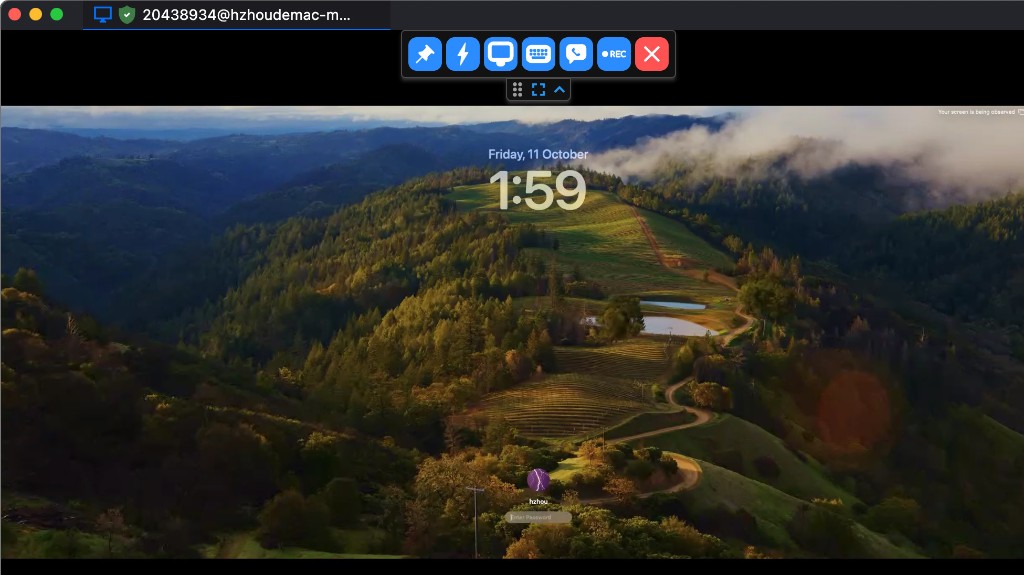
IT support teams can establish an authorized remote session, view the remote desktop, and help troubleshoot software, system, or configuration issues.
Remote workers can connect to an available work device from another location and continue using applications, files, and the remote desktop environment.
Always-on systems and fixed endpoints can be configured for unattended access so administrators can inspect, maintain, and operate them remotely.
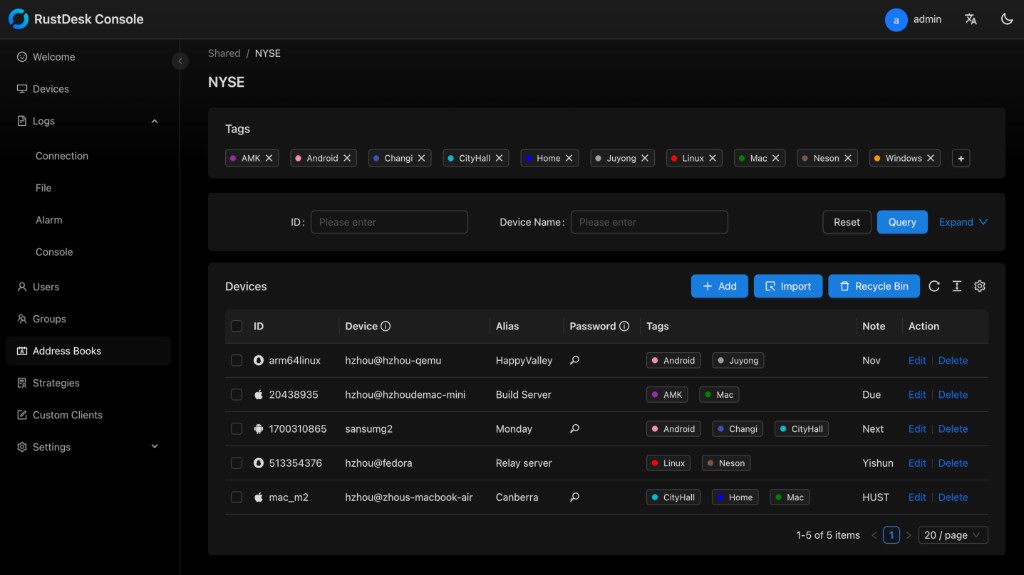
Organizations using Server Pro can centrally manage users, devices, permissions, policies, identity integrations, and remote-access rules through the Web Console.
Organizations that want control over their remote-access infrastructure can operate their own ID and Relay Servers inside infrastructure they manage.
Support teams using Server Pro can combine centralized policies and client configuration with their own deployment workflow for managed remote support.
RustDesk FAQ
RustDesk uses the ID Server to locate the target device and coordinate the two endpoints. It first attempts NAT traversal to establish a direct P2P connection. If a direct path cannot be created, the session can fall back to the configured Relay Server.
No. RustDesk attempts a direct connection first. The Relay Server is used when the two endpoints cannot establish a direct connection because of NAT, firewall, routing, or other network conditions.
Server OSS is the free, open-source self-hosted backend built around hbbs and hbbr. Server Pro adds centralized administration such as the Web Console, API, OIDC, LDAP, 2FA, device management, access control, address books, audit logs, and multiple relay management.
hbbs is the RustDesk ID, rendezvous, and signaling server used for device registration, discovery, and connection coordination. hbbr is the Relay Server used when the endpoints cannot communicate directly.
Self-hosting lets you operate your own ID and relay infrastructure and keep deployment-related data on systems you manage. Additional device, user, address book, policy, and audit capabilities depend on the server edition and configuration you use.
Open source
RustDesk continues to develop around an open-source remote desktop client and self-hosted server infrastructure, with users, developers, and organizations participating across the project and community.